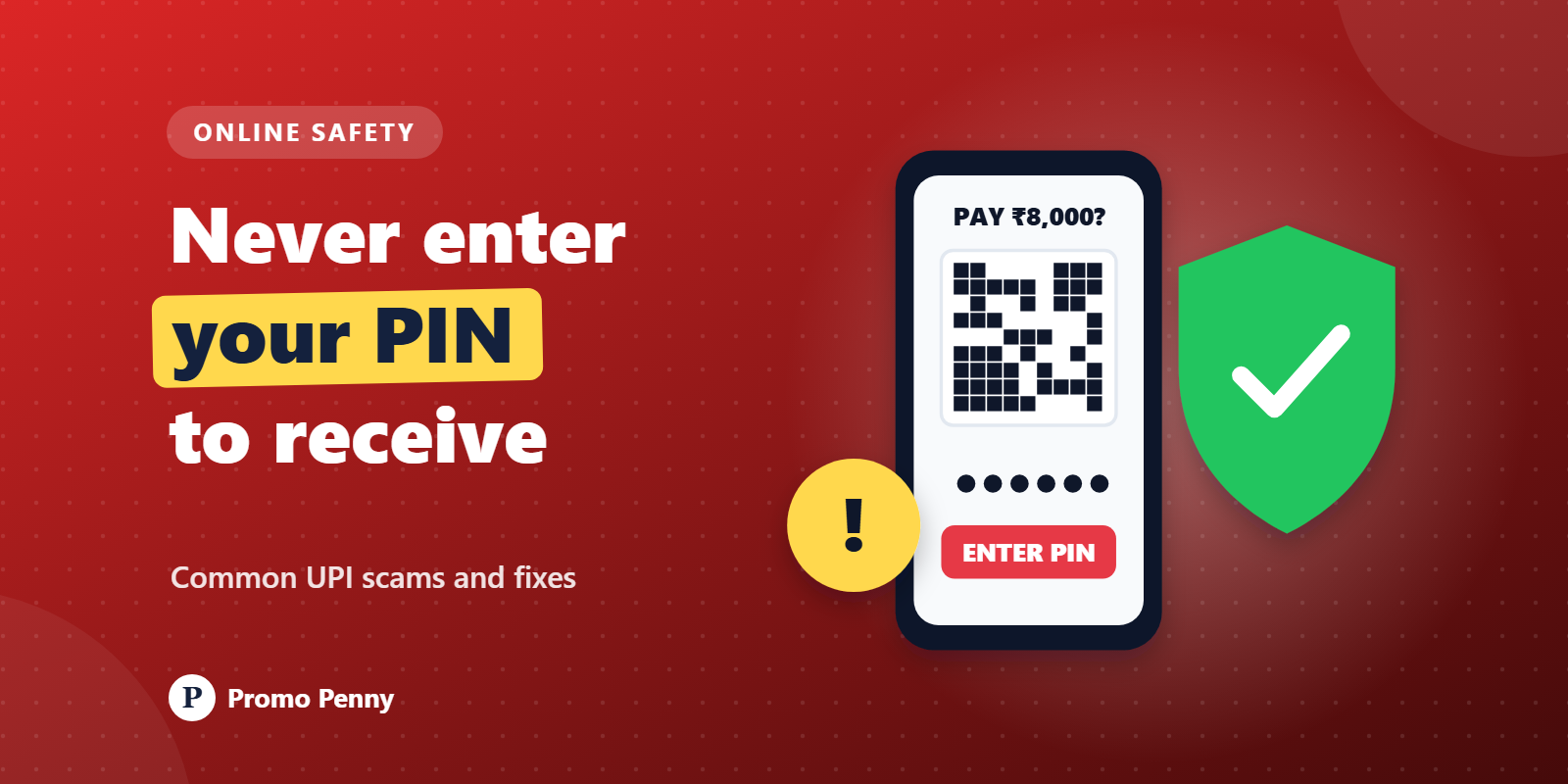
Remember one sentence and you'll dodge most UPI frauds: you never need to enter your UPI PIN to receive money. The PIN is only for sending money out of your account, or for checking your balance in your own app.
Almost every scam below is a trick to get you to enter that PIN while you believe you're receiving something, or to get a stranger inside your phone. Once you see the pattern, the stories stop working on you.
UPI lets anyone send you a 'collect request', which is a request for you to pay them. Your app shows it, and if you approve it and enter your PIN, money leaves your account.
Scammers dress this up as the opposite. A typical version: you list an old sofa on a marketplace site for ₹8,000. A 'buyer' agrees immediately, without even asking to see it, and says, 'I'm sending the money, just accept the request.' The request on your screen is for ₹8,000, but it's a request to pay, not to receive. Enter your PIN and you've just paid him.
Variations include a fake refund or cashback that you must 'approve'.
How to stay safe: read the screen. If it says pay, shows a debit, or asks for your PIN, money is going out. Decline any request you weren't expecting. A genuine buyer can simply send money to your UPI ID, number or QR code, and you'll receive it without doing anything at all.
A customer picks up goods, flashes a phone screen showing 'Payment successful' and walks off. Later, nothing has arrived. Payment screenshots are easy to fake or reuse.
The SMS version is cleverer. You get a text saying ₹10,000 has been credited to your account, then a call: 'Sorry, I sent ₹10,000 by mistake instead of ₹1,000, please return ₹9,000.' The SMS came from an ordinary mobile number, not your bank, and no money actually arrived. If you 'refund', you lose real money.
Scanning a QR code with a UPI app is for paying. There is no such thing as scanning a QR code to receive money.
So if someone sends you a QR code on WhatsApp and says 'scan this to get your payment' or 'scan to claim your prize', it's a scam. Scan it and your app will show an amount and ask for your PIN, which means you're the one paying.
A quieter version: a fraudster sticks their own QR code over a shop's genuine one.
How to stay safe: after scanning any QR code, look at the name that appears before you enter your PIN. If you're paying Lakshmi Stores and the screen shows some other name, stop and ask. Shopkeepers should check their QR stickers every now and then.
A UPI payment failed but the money was debited, so you search online for your app's helpline. The top result looks right. It isn't. Fraudsters post fake numbers on search results, map listings, social media pages and comment threads.
The polite person who answers soon asks for your PIN or OTP, or for you to approve a 'refund request'.
How to stay safe: get support contacts only from inside your official app, your bank's official website or the back of your debit card. Most UPI apps have a help section in the app itself. Real support staff never need your PIN or OTP.
This trick causes some of the biggest losses. A caller claiming to be from your bank, a courier or customer support asks you to install an app 'to fix the problem'. It's a screen-sharing or remote-access app, often a legitimate IT tool, which is why it looks harmless.
Once you install it and grant permissions, the scammer can watch your screen, including OTPs, your PIN as you type it and your banking apps. Some apps even let them control the phone.
How to stay safe: no genuine bank, UPI app or courier will ask you to install a screen-sharing app. If you've already installed one at a stranger's request, switch off mobile data and Wi-Fi, uninstall the app, and call your bank on the number from its official website or your card.
You've probably seen something like this:
Dear customer, your electricity connection will be disconnected tonight at 9.30 pm because your previous month's bill was not updated. Please contact our electricity officer immediately.
Or: your bank KYC has expired and your account will be blocked today, call this number or click this link. Sometimes it's a parcel stuck at customs, a traffic challan or a gas connection.
The weapon is urgency. The 'officer' then asks you to pay a small amount like ₹10 through a link, which captures your details, or to install an app to 'update' your records.
How to stay safe: slow down. Power companies and banks don't threaten to disconnect or block you through a text from a personal number. Check your bill status in your electricity provider's official app or website, and do KYC only through your bank's branch, official app or website. Don't tap links in such messages.
Speed matters. The sooner a fraud is reported, the better the chance that the money can be frozen before it's moved on.
You can also report fraud calls and messages on the Department of Telecommunications' Sanchar Saathi portal, which helps get scam numbers blocked.
Recovery isn't guaranteed and can take time, but reporting quickly gives you the best chance.
Share this with older relatives in particular.
This is general safety information, not legal or financial advice. For your own case, contact your bank and the cyber crime helpline.






















© 2026 Promo Penny. All rights reserved
Designed & Developed by IngeniousPro Team.