Two years after you bought it, the phone that used to last from breakfast to bedtime now wants a charger by 4 pm. Nothing is broken. The battery has simply aged, the way every lithium-ion battery does.
You can't stop that ageing, but you can slow it down, and you can stop wasting effort on habits that make no difference. Here's what's going on inside the battery, and what actually helps.
A phone battery has two electrodes. The negative one is usually graphite, a form of carbon. The positive one is a lithium metal oxide. Between them sit an electrolyte and a thin separator.
When you charge, lithium ions are pulled out of the positive side and travel through the electrolyte to tuck themselves between the layers of graphite. When you use the phone, they travel back, and the electrons flowing through the phone's circuits on the outside are what power it. Picture the ions as commuters shuttling between two stations all day.
Capacity is how many commuters the system can move. Over time, that number shrinks.
Several slow processes chip away at the battery, and they all speed up under certain conditions.
As this adds up, capacity drops and the battery's internal resistance rises. That second change explains why an old phone can suddenly shut down at 15% on a cold morning or while the camera is running: the battery can't deliver a burst of power without its voltage sagging too low.
A charge cycle means using 100% of the battery's capacity in total, not necessarily in one go. Use 60% today, charge up overnight, use 40% tomorrow, and you've completed one cycle across two days.
So topping up from 50% to 100% twice counts as one cycle, not two. Short top-ups aren't harmful; if anything, they're gentler than repeatedly draining the battery flat.
Manufacturers typically design phone batteries to keep around 80% of their original capacity after several hundred full cycles, and some newer phones are rated for more. Your phone maker publishes its own figure. If you get through roughly one cycle a day, you can see why noticeable fade tends to show up somewhere around the two-year mark.
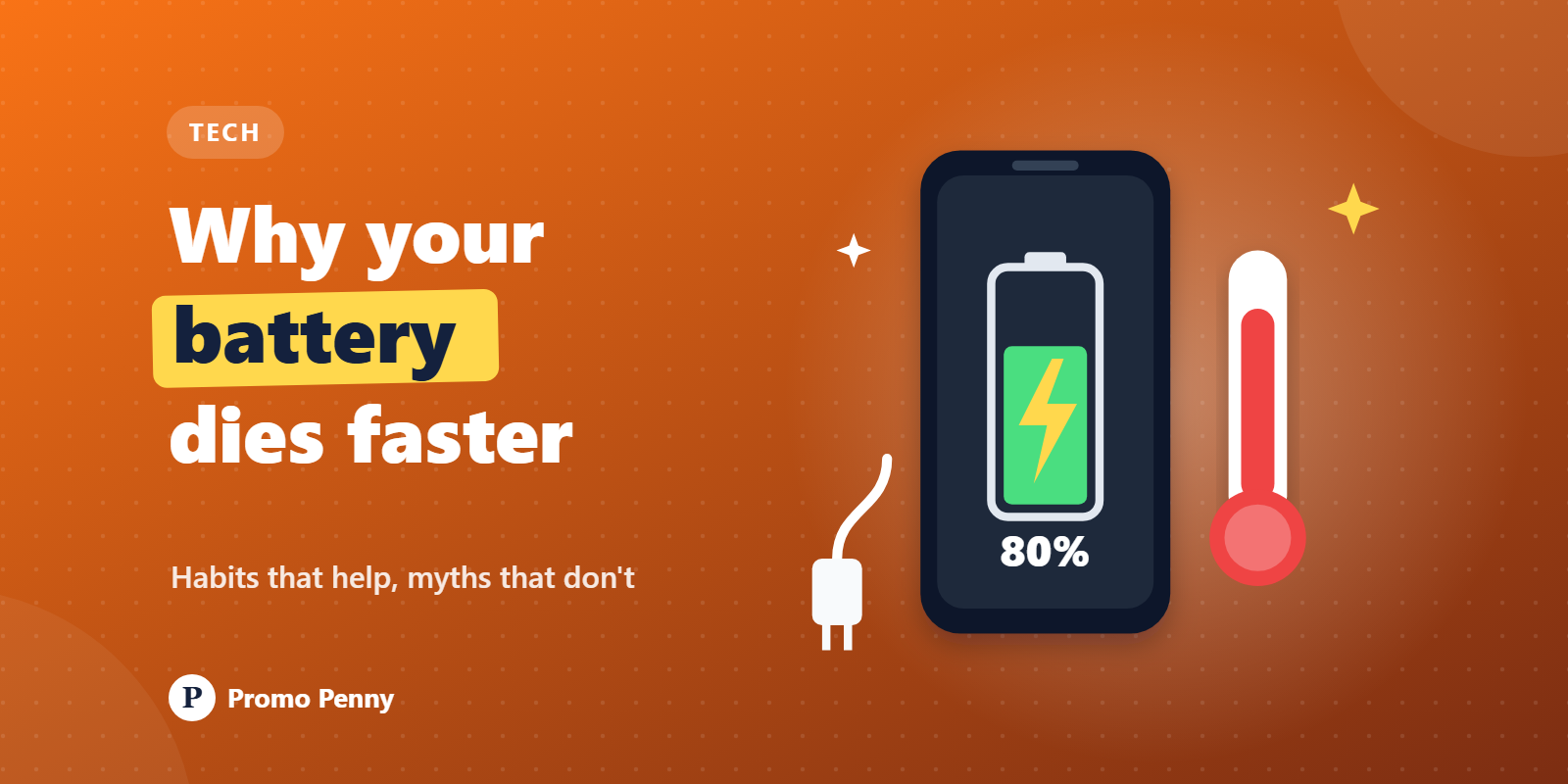
Heat is the biggest single factor. The side reactions that age a battery run faster as temperature rises. A phone left on a car dashboard on a May afternoon in Delhi, charging under a pillow, or running a heavy game while plugged in is ageing faster than one sitting in a cool room. Indian summers make this very real. If the phone feels hot, take off the thick case, unplug it or close the game.
A full battery is at its highest voltage, and high voltage stresses the electrolyte and the positive electrode. A few minutes at 100% doesn't matter. Many hours at 100% every single day, especially when warm, adds up over months.
Draining completely is stressful in a different way. Your phone keeps a small hidden reserve, so 0% on screen isn't truly empty, but regularly hitting it, and leaving a phone dead for weeks, can damage the battery. If you're putting a spare phone away for a while, leave it about half charged and switched off.
This is why you'll hear that batteries are happiest between roughly 20% and 80%. That's sound chemistry. It's also not worth obsessing over. Using your phone normally matters more than hitting perfect percentages.
Mostly not. Modern Android and iOS freeze background apps and manage memory themselves. Force-closing them means the phone has to load them from scratch next time, which can use more power, not less. The exception is a specific app that's misbehaving. Your battery settings show which apps are using an unusual share, and those are worth closing, updating or uninstalling.
This is a hangover from older nickel-based batteries, which suffered from a memory effect. Lithium-ion batteries don't. Full drain cycles just add wear. At most, an occasional full cycle may help the phone's software estimate the percentage more accurately; it restores no capacity.
Your phone stops charging once it's full, so it can't overcharge. The real issue is sitting at 100% for hours. Modern phones deal with this through optimised or adaptive charging: they learn when you usually unplug, hold the battery around 80% for most of the night and finish the charge shortly before you wake. On iPhones it's called Optimised Battery Charging; Android phones have adaptive charging or a battery-protection option depending on the brand, and many let you cap charging at 80% or 85%. Turn these on. It's the easiest win there is.
Fast charging pushes a lot of current, and that creates heat. But phones are designed for it. They charge quickly from low levels, slow down sharply as the battery fills, and cut the speed if things get hot. Using the charger your phone was made for is fine. What's worth avoiding is fast charging in an already hot room or car, or while gaming. Wireless charging, handy as it is, tends to run warmer, so keep the pad somewhere with air around it.
A ₹150 unbranded charger from a roadside stall may not regulate voltage properly. That's bad for the battery and, at worst, a fire risk. Use the original charger or a certified one from a reputable brand. In India, chargers and power banks sold legally must be registered with the Bureau of Indian Standards (BIS), so look for the BIS mark and registration number.




































© 2026 Promo Penny. All rights reserved
Designed & Developed by IngeniousPro Team.